What Is Homecz? A Beginner’s Guide to Zen Home CZ Smart Appliances
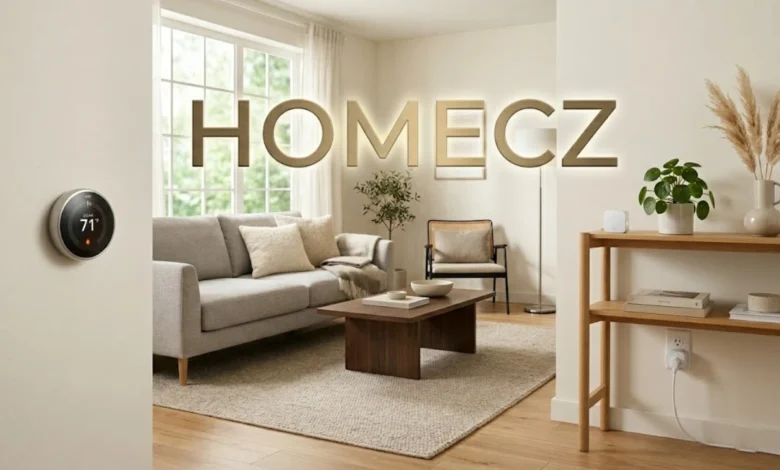
If you’ve stumbled across the term homecz and thought it was a typo, you’re not alone. I had the same reaction the first time I saw it.
It’s actually shorthand that people use when talking about Zen Home CZ — a company focused on smart home appliances and home automation. The nickname just stuck.
So when someone says “homecz,” they’re usually referring to Zen Home CZ’s product lineup: thermostats, lighting systems, security cameras, and other connected devices built to make daily life a little quieter and more convenient.
In this guide, I’ll walk you through what makes these products worth knowing about, what you can realistically expect from them, and whether they’re a good fit for your home.
Let’s take it step by step.
The Core Idea Behind Zen Home CZ (a.k.a. Homecz)
The philosophy is simple: technology should fade into the background.
A lot of smart home gear feels like it’s constantly competing for your attention — blinking lights, nonstop notifications, apps that won’t leave you alone. Zen Home CZ goes in the opposite direction. Their products are built to run quietly and reliably, so you notice the comfort, not the gadget.
That’s harder to pull off than it sounds. But when it works, it genuinely changes how you feel in your own space. Less time tweaking settings. More time just living.
As of 2025–2026, the brand has built a small but loyal following in Europe and parts of North America. User reviews consistently highlight two things: setup goes smoothly, and the devices rarely act up. In a market packed with half-finished smart products, that’s worth noting.
To be fair, bigger names like Philips Hue or Nest offer wider ecosystems and more third-party connections. But Zen Home CZ seems to focus on stability over feature count — and for many homeowners, that’s exactly the trade-off they’re looking for.
What You Can Actually Buy (And How It Feels to Use)
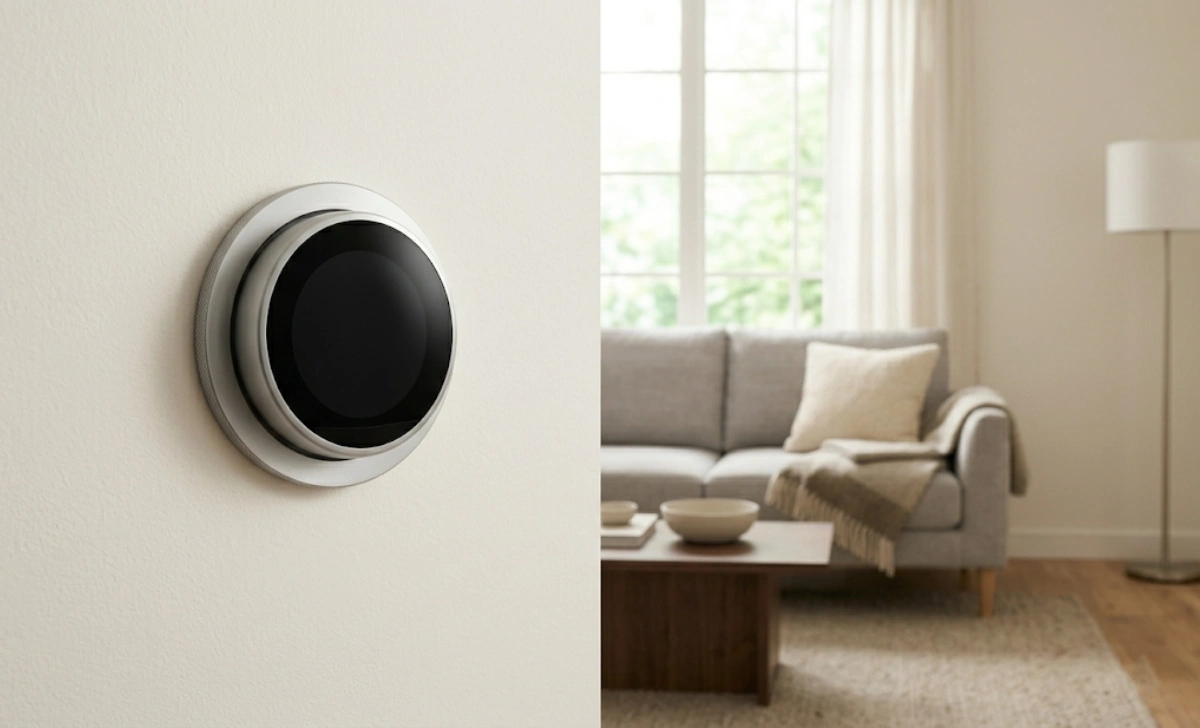
Here’s what the homecz lineup typically includes, based on what’s currently available.
Smart Thermostats
These learn your schedule over about a week. Not in an intrusive way — more like, you adjust the temperature a few times, and the device starts picking up on your patterns.
What I really appreciate is the physical dial for manual override. Not a tap-twice-swipe-left situation. Just a dial. That small decision makes a big difference at 2 AM when you’re half asleep and too cold.
One important note if you’re considering a smart thermostat: check whether your current setup has a C-wire (common wire). Some older systems don’t, and you may need the battery-powered model instead. It’s a quick check that saves a lot of frustration.
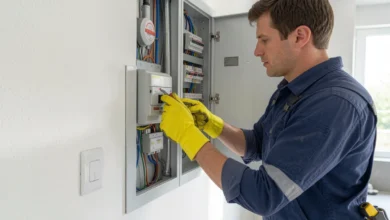
If your home runs on older wiring, it’s also worth reviewing some basic electrical safety tips every homeowner should know before touching anything behind the wall.
Lighting Systems
Warm dimming, soft whites, and scene-setting for different times of day — morning, reading, winding down. No harsh colour jumps.
One honest note: if you want bold RGB party modes for gaming or entertainment, this isn’t that product. But for cooking, working, or falling asleep on the couch, the lighting just feels right.
Security Cameras
Local storage. No mandatory cloud subscription. That’s becoming rare, and it matters both for privacy and long-term running costs.
Video quality runs from 1080p to 2K, depending on the model — not class-leading, but more than enough to see who’s at the door or keep an eye on a pet.
Smart Plugs and Sensors
Motion, door/window, and leak sensors. These work especially well for renters or anyone who can’t drill into walls. Plug in, pair through the app, and you’re running automations like “turn off the space heater if I leave the room.”
This is also where Homecz smart home solutions shine for beginners — low commitment, immediate usefulness.
Is Homecz Right for You?
Before you buy anything, it helps to be honest about your situation.
| You’ll probably like Homecz if… | You might want something else if… |
|---|---|
| You want things to just work | You love exploring advanced features |
| You rent and can’t rewire | You’re building a full smart home from scratch |
| Privacy matters to you | You’re deep in the Apple HomeKit ecosystem |
| You prefer calm over flashy | You want RGB lighting and effects |
| You’re a beginner | You want maximum third-party integrations |
Homecz works well for: apartments, family homes, renters, and anyone who wants reliable basics without a steep learning curve.
Note for Apple users: Zen Home CZ currently works with Alexa and Google Home. Widespread Apple HomeKit support isn’t there yet, so if your home runs on Apple devices, double-check compatibility before purchasing.
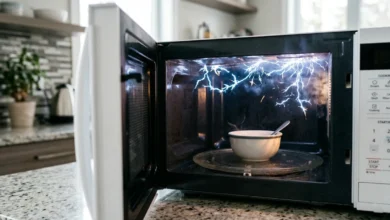
Also worth knowing: if you’ve had issues with other home appliances acting up — like a microwave sparking unexpectedly — it might be a sign your home’s electrical setup needs a look before adding more connected devices.
Simple Setup — What to Expect
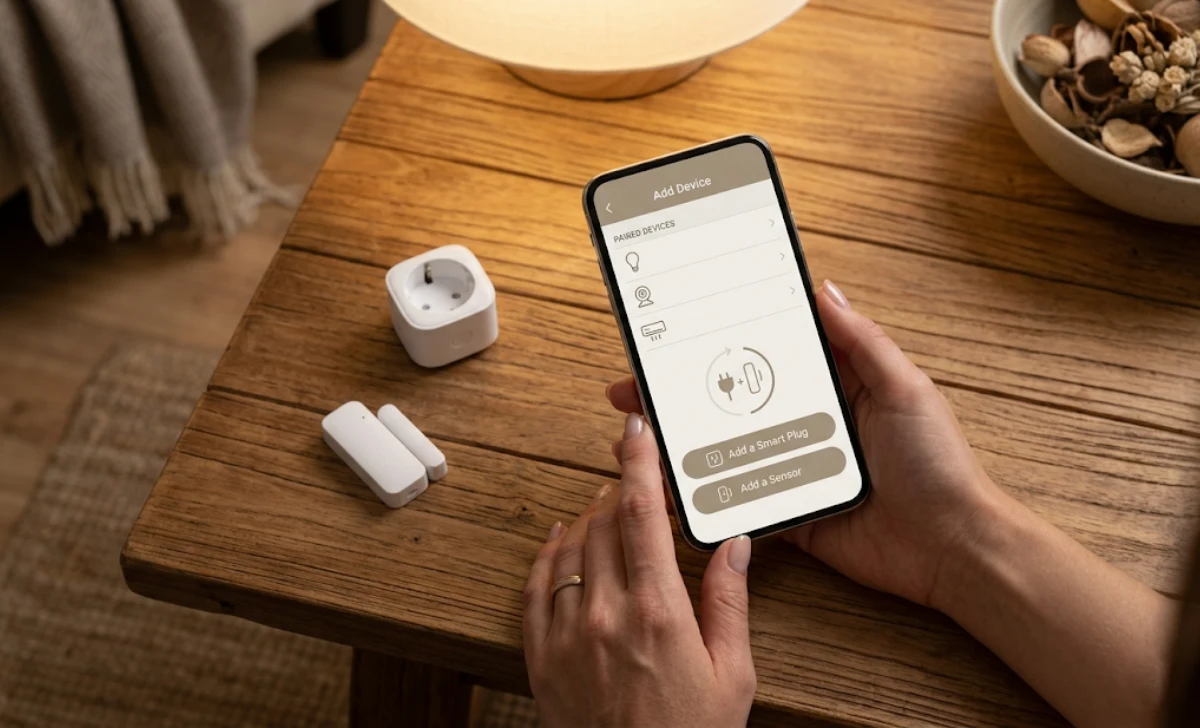
One common frustration with smart home gear is that the setup process rarely matches the “plug and play” promise on the box.
Here’s a realistic picture of what getting started with Homecz actually looks like:
- Unbox and place the device — most sensors and plugs need no tools at all
- Download the Zen Home CZ app — available on Android and iOS
- Pair via the app — follows a step-by-step process; most devices pair in under five minutes
- Test it — trigger the motion sensor, adjust the thermostat, check the camera feed
- Set your first automation — start with one simple rule (e.g., lights off at 11 PM)
Most setups take 10–20 minutes for a single device. More complex automations take longer, but you don’t need to tackle everything at once.
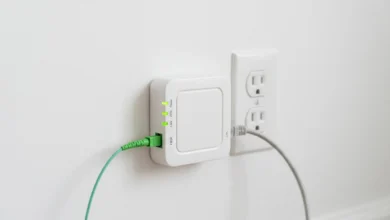
One Wi-Fi tip: these devices connect over a 2.4 GHz network (not 5 GHz). If your router struggles with multiple devices, a simple mesh Wi-Fi node can fix that. If you’ve ever noticed unusual behaviour from wall-connected devices and weren’t sure what they were, this quick breakdown on what the Adtran box plugged into your wall actually does might clear up some confusion about your home network setup.
The Long-Term View: Will This Still Feel Smart in 3–5 Years?
This is the question most buyers skip — and then regret later.
Smart home gear has a history of becoming useless when a company changes direction, kills an app, or gets bought out. We’ve all seen it. You invest in a system, and two years later, it’s a collection of expensive, unresponsive plastic.
Homecz products are built with local control as a backup. Even if their cloud services changed, most devices continue running basic functions through your home network. That’s not true for many competitors, and it’s a bigger deal than most buyers realise.
A realistic cost picture over three years:
- Sensor batteries: typically replaced once a year (AA or AAA)
- Hub electricity: minimal, comparable to a phone charger
- Cloud subscription: currently, none required for core features
- Expected device lifespan: 3–5+ years with normal use
The brands that will still be relevant in 2028 won’t necessarily be the most feature-packed. They’ll be the ones that don’t leave you with non-functional devices after a firmware update. Zen Home CZ seems to understand that.
Practical Next Steps
So you’re interested. Here’s what to actually do.
Start with one device. Don’t buy the full starter kit on your first order. Pick a single smart plug or motion sensor, use it for two weeks, and see whether the app experience matches what you were hoping for.
Check compatibility first. Works with Alexa and Google Home. Limited Apple HomeKit support right now — verify before buying if that matters to you.
Ask yourself one honest question before ordering: Am I solving a specific problem, or do I just want to try smart home stuff?
Both answers are fine. But the answer changes, depending on which device makes the most sense to start with.
Final Thought
I’ve used a lot of smart home gear that felt more like a science project than a home improvement. Zen Home CZ — or homecz, as most people call it — feels different. It’s the kind of thing a practical, no-fuss person would buy, use quietly, and never complain about.
It won’t win awards for having the most features. It won’t impress anyone with light shows. But if you want a home where the technology helps without getting in the way, it’s genuinely worth a look.
Sometimes the smartest device is the one you forget is there.
FAQs
Is Homecz the same brand as Zen Home CZ?
Yes. “Homecz” is just a shorthand nickname that caught on in forums and casual conversation. Same company, same products.
Do I need a hub to use these devices?
Some devices connect directly over Wi-Fi. Others — especially sensors — use a small hub that plugs into your router. Product pages clearly label which is which.
Can I use Homecz devices without internet?
Partially, yes. Basic automations and local controls keep working without cloud access. Remote access and voice control require an internet connection.
Are Homecz devices energy efficient?
Yes. Thermostats and smart plugs are designed to cut standby power draw. Some users report 8–12% savings on heating and cooling costs, though results depend heavily on your home’s size and insulation.
What happens if the company shuts down?
No smart home brand can fully guarantee against that. But because Homecz devices support local API access, the community could theoretically keep them running — something that’s simply not possible with many competitors.
Is Homecz a good option for renters?
Yes, actually. The smart plugs and sensors don’t require drilling or permanent installation, which makes them well-suited for apartments and rented homes.
Disclaimer: Product availability, features, and compatibility may change over time. Always check the official Zen Home CZ website or trusted retailer listings for the most current information before purchasing.