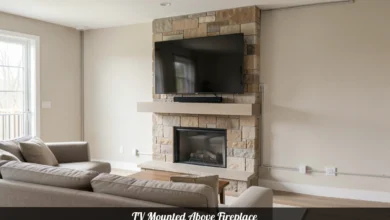
Mounting a TV Above a Fireplace: What You Need to Know First
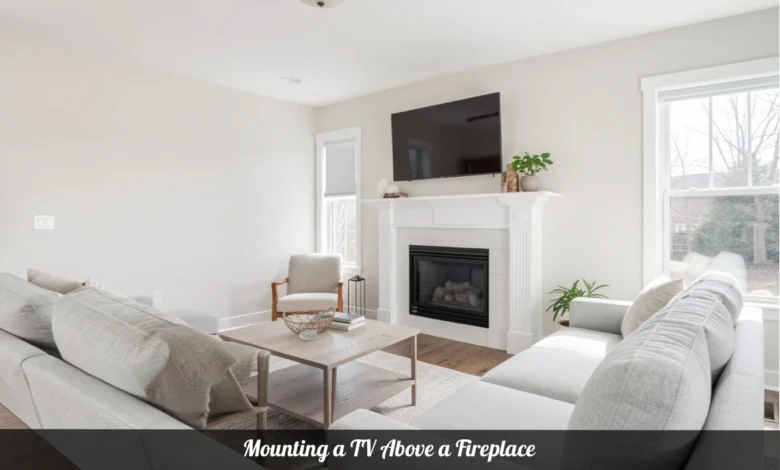
You can mount a TV above a fireplace, but it takes planning. The biggest risks are heat damage, neck strain from a poor viewing angle, and a tricky installation on brick or stone. Keep the center of your TV at or below 70 inches from the floor, use a tilting or pull-down mount, and confirm your fireplace does not push heat above 100°F before you drill a single hole.
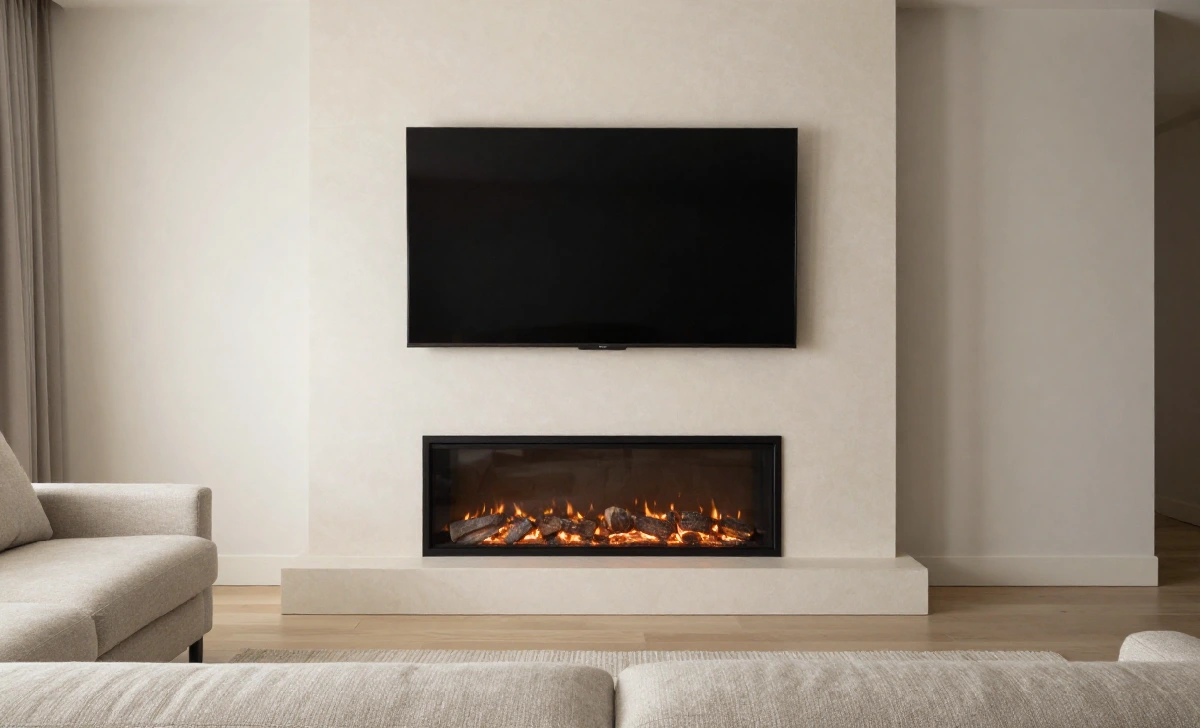
Why So Many Homeowners Mount TVs Above Fireplaces
The fireplace wall is usually the natural focal point of a living room. Furniture faces it. The room is laid out around it. That often makes the space above the mantel the only practical spot for a large TV, especially in rooms with limited wall space, multiple doorways, or windows that eat up every other option.
Mounting your TV there also removes the problem of two competing focal points. When the fireplace and TV are on separate walls, someone always ends up with a bad seat. Combining them keeps the room organized around a single sightline.
That said, this setup comes with real trade-offs. The two biggest ones are heat and viewing angle. Get those right, and the rest of the project is manageable.
Heat Risks by Fireplace Type
Not all fireplaces create the same risk for your TV. The type you have changes everything about how you should approach this.
Wood-burning and gas fireplaces produce the most heat. Heat rises directly up the wall above the firebox. Most TV manufacturers state that their products should not be exposed to temperatures above 95°F to 104°F during operation. A wood-burning fire in regular use can push wall temperatures well past that point, especially without a deep mantel acting as a heat barrier.
If you have one of these fireplaces and you plan to use it regularly, a thick stone or wood mantel that extends at least 6 to 8 inches outward is your first line of defense. It deflects rising heat away from the wall above it. A dedicated heat shield installed between the firebox and the TV mount adds another layer of protection.
Electric fireplaces generate far less heat and typically direct what they do produce outward rather than upward. They are generally the safest option for a TV mount above them. Most manufacturers recommend keeping at least 8 to 12 inches between the top of the unit and the bottom of your TV, but the risk of heat damage is much lower than with combustion-based fireplaces.
A simple test: Hold an infrared thermometer or even your hand about 6 inches above where the bottom of your TV would sit while the fireplace is running at its normal intensity. If it feels uncomfortably warm to your hand after a minute, it will be too warm for your TV over time.
Mounting a TV Above a Fireplace: Getting the Height Right
Height is where most people get this wrong. The instinct is to center the TV between the mantel and the ceiling, but that almost always places the screen too high for comfortable viewing.
The goal is to keep the center of the screen at or near eye level when you are seated. For most people in a standard seating arrangement, that puts the screen center between 42 and 48 inches from the floor. Above a fireplace with a mantel, which is rarely achievable, but you can still avoid serious discomfort.
A practical target: keep the center of the TV at or below 65 to 70 inches from the floor. Mount the bottom of the TV 2 to 5 inches above the mantel shelf. Any higher and you will feel the angle in your neck during longer viewing sessions.
A quick way to check before you commit: sit in your usual spot, look straight ahead, and mark that eye-level point on the wall with painter’s tape. Then mark where the center of your TV would land. If that second mark sits more than 15 degrees above your natural sightline, you will likely feel strain after an hour or two of watching.
If your mantel is tall and pushes the TV center past 70 inches, your best options are to lower the mantel, choose a pull-down mount that brings the TV to eye level for viewing, or find a different wall for the TV.
Choosing the Right Mount for Above the Fireplace
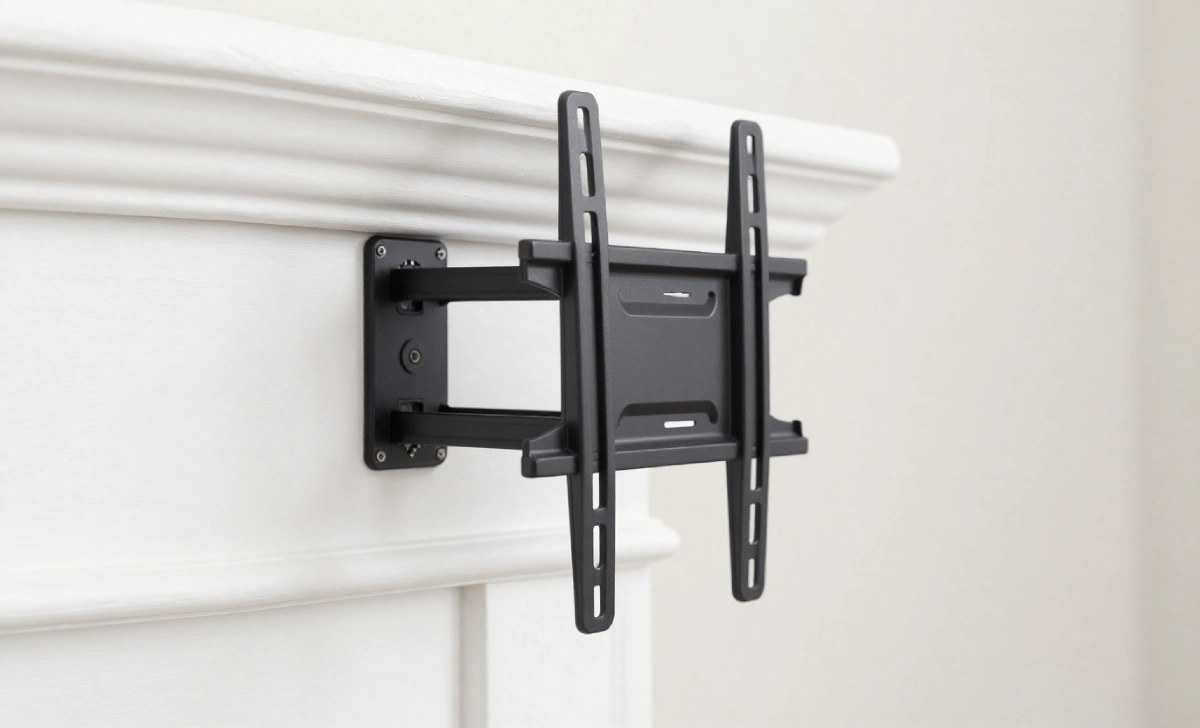
A standard fixed flat mount is rarely the best choice here. It locks the screen at one height and angle, which is fine when the TV is at eye level, but less comfortable when it is above you.
These are the three mount types worth considering:
- Tilting mount: Lets you angle the screen downward by 5 to 15 degrees. This reduces glare and improves the picture from a lower viewing position. It does not change the physical height of the TV, but it corrects the viewing angle enough to make most above-fireplace setups comfortable.
- Full-motion or articulating mount: Extends outward from the wall and swings side to side. Useful for large rooms where people watch from different positions. Keep in mind that a moving mount puts more stress on the wall, so the anchor point needs to be solid.
- Pull-down fireplace mount: Designed specifically for this situation. It holds the TV in a raised position when not in use, then pulls it down to near eye level for viewing. These mounts cost more, but they solve both the height and viewing angle problems at once. Brands like MantelMount make models with built-in heat sensors that alert you when the temperature above the mantel exceeds a safe level.
How to Mount a TV Above a Fireplace: Step-by-Step
Before you start, gather these tools: a stud finder, drill, masonry bits (if your wall is brick or stone), a level, measuring tape, a pencil, and cable management supplies.
- Check the wall material. Drywall above a fireplace surround is straightforward. Brick, stone, or tile requires masonry-rated anchors, a hammer drill, and more time. Confirm what is behind your surface before buying hardware.
- Find your studs or anchor points. Use a stud finder on drywall. For masonry, you will use expansion anchors rated for the weight of your TV and mount combined. Always check the weight limits on your mount and compare them to your TV’s weight.
- Mark the mount position. Use your painter’s tape height check from earlier. Mark the exact spot where the VESA holes on the back of your TV will align with the mount brackets. Use a level to confirm the mount is straight before drilling.
- Drill and secure the mount. On drywall, drive screws into studs whenever possible. On brick or stone, drill with a masonry bit, blow out the dust, insert your anchors, and then drive the bolts. Do not overtighten on masonry since that can crack the material.
- Plan your cable route before attaching the TV. Running cables through the wall is the cleanest option. Use an in-wall rated power kit and a cable conduit for HDMI and other signal cables. If going through masonry is not practical, a surface-mounted cable raceway painted to match the wall is a tidy alternative.
- Attach the TV and test the mount. Have a second person help lift the TV onto the mount. Check all connection points, confirm the tilt angle is correct, and run your cables before the TV is fully secured against the wall.
Cable Management Above a Fireplace
Cables are often the detail that makes or breaks how the final installation looks. A clean setup above a fireplace with exposed cords running down the wall undercuts the whole point of the project.
The best option for drywall is an in-wall power extension kit with a separate conduit for signal cables. These kits are widely available and let you run power and HDMI through the wall between two wall plates, one behind the TV and one near your equipment. They are designed for safety and meet most electrical codes.
For masonry walls, surface raceways are the practical alternative. Choose a raceway that matches your wall color, and run it as close to the edge of the fireplace surround as possible so it blends with the trim.
If your AV equipment sits in a cabinet away from the fireplace wall, a wireless HDMI transmitter removes the cable problem entirely. These devices have improved significantly in recent years and handle 4K content reliably in most home setups.
When Mounting Above the Fireplace Is Not the Right Call
This setup works well in many rooms, but there are situations where it makes things worse rather than better.
Skip the above-fireplace mount if:
- Your mantel is taller than 54 inches, which would push the TV center well past 70 inches and require constant neck tilting
- You use a wood-burning fireplace daily and cannot install a proper heat barrier
- Your fireplace wall is a thin stone veneer without solid masonry behind it, which may not support the anchor load
- You already have a media room or another wall where the TV can sit at a true eye-level position with no compromises
In these cases, a TV stand with built-in storage positioned beside the fireplace, or a recessed wall niche built lower on the same wall, will give you a better long-term experience.
Frequently Asked Questions
Can heat from a wood-burning fireplace damage my TV?
Yes. Sustained temperatures above 100°F can degrade LCD panels, warp internal components, and shorten the life of your TV. A deep mantel, a heat shield, and limiting fire intensity while watching all reduce the risk.
What is the best mount type for a TV above a fireplace?
A tilting mount works well when your TV center falls below 65 inches. A pull-down mount is the better choice when your mantel height forces the TV higher, since it brings the screen down to eye level for viewing.
Do I need special anchors for a brick fireplace wall?
Yes. Brick and mortar require masonry-rated expansion anchors and a hammer drill. Standard drywall anchors will not hold in masonry. Always drill into the brick itself rather than the mortar joints, which are softer and less stable.
How high above the mantel should the TV sit?
Aim for 2 to 5 inches between the bottom of the TV and the top of the mantel shelf. This keeps the screen close to the fireplace visually and prevents the TV from sitting at an uncomfortably steep angle.
Can I hide the cables if my fireplace wall is brick?
Running cables inside a brick wall is very difficult without professional help. A surface-mounted cable raceway or a wireless HDMI transmitter are the two cleanest options for masonry walls.